How do I send and receive email at my custom domain without paying for a mailbox?
Receive and reply to email at your own domain without paying for a mailbox.
Owning a domain can elevate your email inbox. Instead of using a generic Gmail address for your support or contact, your email looks branded and customized to you.
Owning a domain doesn't give you an email address, but you can create more custom email experiences in a variety of ways.
For email to reach a domain, the domain's DNS needs an MX (mail exchanger) record, which names the server that accepts email for the domain.
In this post, we'll explain how custom domain email works as well as the primary methods for setting up a custom domain email experience for your business or company.
How email works with a custom domain
For email to reach a domain, the domain's DNS needs an MX (mail exchanger) record, which names the server that accepts email for the domain. The server then needs to know what to do with each email it accepts.
You can set up a Google Workspace or Microsoft 365 mailbox, but you'll pay for each mailbox. You can, however, receive email at your domain without a mailbox, often for free. The right setup depends on what should happen to each email once it arrives, so start with three questions:
- Who reads the email? You, your team, or your app.
- Do you need to reply from the same address? Receiving email and sending it are separate problems, with separate costs.
- How many addresses and domains do you need? A single
hello@address needs far less setup than 10 addresses across 4 projects.
Your answers to these questions point to one of four ways to receive email at your domain without paying for a mailbox:
- Forward it to an inbox you already have, such as Gmail or Outlook. Forwarding is often free, and enough for one person who reads the email.
- Copy it to several people, with a group or a forwarding rule that lists several recipients, so everyone gets each email.
- Work it from a shared inbox, where your team and AI agents handle each conversation once.
- Send it to your app through an inbound email API.
With the first two, replying from your domain address is a separate step, and it needs an SMTP server where your domain is verified.
In this guide, we'll start with the most common setup, forwarding to an existing address, and add a piece each time a new need shows up:
- replies
- team flows
- a shared inbox
- an app
Finally, we'll cover the details that come up around a launch, from catch-alls to the limits of free tiers, and finish with situations only some setups run into, such as verifying a domain by email or Gmail ending POP.
What's the difference between a mailbox, a forward, and an alias?
A mailbox stores your email at a provider, such as Google Workspace, and lets you send and receive from the address. The other options skip the monthly fee per user by sending each email somewhere else: an inbox you already read, several people, a shared inbox, or your app.
| Option | What happens to an email | Can you reply from the address? | Good for |
|---|---|---|---|
| Mailbox | Stored at your provider, and read in any mail app | Yes | A main address you use every day |
| Forward | Passed on to another inbox, such as Gmail | Only with an SMTP server set up | One person reading the email of a side project |
| Alias | Delivered to the same inbox as another address | Depends on the provider | Several addresses, such as sales@ and support@, for one person |
| Group | Copied to every member | Each member replies from their own setup | A small team that needs to see every email |
| Catch-all | Accepted for any address at the domain, then forwarded or stored | Same as the forward or mailbox behind it | A different address for each service you sign up for |
| Shared inbox | Stored once, as a thread a team works through | Yes | Support or sales handled by several people and AI agents |
| Inbound email API | Sent to your app as a webhook | Yes, through the provider's sending API | Replies, tickets, or documents your app processes |
The difference between a forward and an alias shows up when you reply. A forward hands the email to another address, so your reply comes from wherever you read it, unless you set up sending separately.
An alias is a second name for a mailbox you already have, and many inbox providers let you send from it. Forwarding services often call their forwarding rules "aliases" too, so check whether the service can send before you count on replying from the address.
With an inbound email API, your code receives each email instead of a person. The provider sends a webhook, an HTTP request to a URL you choose, with the sender, subject, body, and attachments of the email.
How do I forward email from my custom domain to Gmail?
Most people start by forwarding to an inbox they already have, so the next sections use Gmail as the example. Forwarding needs a service that accepts email for your domain and passes it on.
Some registrars and DNS hosts still include free forwarding, while others now charge for it, and dedicated forwarding services offer free tiers for a few addresses.
Most setups require a few basic steps:
- Add the forwarding service's MX records at your DNS host. If the domain already receives email somewhere else, new MX records move all of it, so check the details on MX records first.
- Create a rule for each address, such as
hello@example.comtoyou@gmail.com. - Add a Gmail filter on the To address that labels the email, so project email doesn't get lost among personal email.
- Send a test from a different account. When you email your domain from the same Gmail account it forwards to, Gmail often shows the email only in Sent, since it already has a copy.
Once the test arrives, adding another address only takes a new rule, since the MX records already route every address at the domain to the forwarding service. Forwarding is also the way out if you relied on Gmail's older recipe for custom-domain email, which Google is retiring, as covered in Gmail ending POP and Gmailify.
Why does forwarded email land in spam or bounce?
Once forwarding is in place, some forwarded emails may still go missing or land in spam, because of how inbox providers check who sent an email. Gmail, like most inbox providers, checks each email against the sender's domain with three standards:
- SPF (Sender Policy Framework) lists the servers allowed to send email for a domain.
- DKIM (DomainKeys Identified Mail) adds a signature to the email, which proves the domain sent it and nobody changed it on the way.
- DMARC (Domain-based Message Authentication, Reporting, and Conformance) requires SPF or DKIM to pass for the domain in the From address, and tells inbox providers what to do with emails that fail.
A forward breaks the first check. Gmail sees your forwarding server as the sender, and the original sender's SPF record doesn't list your forwarding server, so SPF fails.
DKIM usually survives, since a plain forward doesn't change the signed content, and DMARC can still pass on DKIM alone. When a forwarder edits the email, such as adding a footer or tagging the subject, the DKIM signature breaks as well, and the email is more likely to land in spam or bounce.
Forwarding services soften the problem in two ways:
- SRS (Sender Rewriting Scheme) rewrites the envelope sender, the hidden return address that SPF checks, to an address at the forwarder's domain. SPF then passes for the forwarder.
- ARC (Authenticated Received Chain) adds a signed record of the checks the email passed when it first arrived. Gmail can take those results into account when it trusts the forwarder.
Gmail also judges the forwarding server by everything it passes on. Forwarding spam along with real email can hurt the forwarder's standing with Gmail, so pick a service that supports SRS and filters spam before it forwards.
A bounce that says "Hop count exceeded - possible mail loop" means an email went around in circles. Each server adds a line to the headers of the email, and servers give up after a set number of hops, often between 30 and 50.
The usual cause is two rules that point at each other, such as hello@example.com forwarding to an address that forwards back to it, or a catch-all that forwards to an address on the same domain with no rule of its own. Remove one of the rules to break the loop.
How do I reply from my custom domain address when my email forwards to Gmail?
Once email arrives reliably, the next question comes up the first time you reply to a forwarded email: Gmail sends your answer from your Gmail address. The customer who wrote to hello@example.com gets a reply from yourname.1987@gmail.com, which exposes your personal address and makes the project look less established.
To reply as hello@example.com:
- In Gmail, open Settings, then Accounts and Import, and add the address under Send mail as.
- Enter an SMTP (Simple Mail Transfer Protocol) server, the server that sends your email, along with its port, username, and password. Use a service where your domain is verified with SPF and DKIM, such as a transactional email service. Replies count toward its sending quota, along with any email your app sends from the same account.
- Confirm the address with the code Gmail sends to it, which reaches you through your forward.
- Under When replying to a message, choose Reply from the same address the message was sent to.
Your domain's SPF and DKIM records are what make each reply trustworthy.
A common shortcut sends through Gmail's own SMTP server with your domain in the From address. The email then goes out signed for gmail.com instead of your domain, so it can fail DMARC for your domain and land in spam.
How do I make one email address that reaches my whole team?
Forwarding and replies let one person run a domain address from an inbox they already have.
When a second person needs to read the same email, create a group, also called a distribution list, or add several recipients to a forwarding rule if your service supports it. Each email then reaches every member, and the setup is free and takes a few minutes.
A group works differently from an alias. An alias gives one mailbox a second address, such as sales@ delivering to the same inbox as you@, while a group delivers a copy to each person on the list.
Each person replies from their own inbox, though, so nobody else sees the answer: two people can reply to the same customer, or each can assume the other did. A group works while email is rare and everyone reads everything, and a shared inbox takes over once conversations need an owner.
When should I use a shared inbox instead of a group?
A shared inbox stores each conversation once, as a thread that your team and AI agents work through together. Anyone on the team can read the thread, assign it, and reply from the shared address, and everyone sees who answered.
For example, a three-person startup forwards support@example.com to all three founders:
- A customer asks for a refund, and all three founders get the email.
- Two of them reply within the hour, with different answers.
- With a shared inbox, the first founder to open the thread assigns it to themselves, and the other two see it's handled.
Move to a shared inbox once conversations need an owner, such as support requests or sales leads. Plan who gets notified of new email, or every teammate gets an alert for every email, and nobody owns any of them.
Many shared inboxes also let an AI agent work the same threads as your team. Give the agent instructions, and it can label, assign, or archive incoming email, and draft replies for a person to review, so your team starts with the conversations that need them.
When should my app receive email instead of a person?
Some email isn't meant for a person at all. Forwarding, groups, and shared inboxes all assume someone reads the email, but when your product needs to act on it, receive it through an inbound email API.
The API delivers each email to your app as a webhook, and your app can store it, route it to the right person, or reply in the same thread. Your app can receive:
- replies to notifications, posted as comments in your app
- receipts and documents that users forward for your app to process
- support requests that become tickets in your own tracker
- tasks and approvals sent to an AI agent that has its own address
A domain's MX records point to one place. If your root domain already delivers to an inbox provider, receive app email on a subdomain, such as inbound.example.com, so your existing mailboxes keep working.
Should I set up a catch-all email address on my domain?
Whichever option you pick, you also decide what happens to email sent to addresses you never created. A catch-all accepts email for any address at your domain, so anything@example.com reaches you.
For one person, a catch-all has a real benefit: you can sign up for each service with its own address, such as shoes-store@example.com. When spam starts arriving at that address, you know which service leaked or sold it, and you can block that single address.
For a team or a project, the costs usually outweigh the benefit:
- Spam grows quickly. Spammers send to common names, such as
info@,sales@, and first names, and a catch-all accepts every one of them. - Email verification tools can flag your domain. Many signup forms check addresses with these tools, which mark catch-all domains as risky because they can't confirm a mailbox exists. Some forms may reject your addresses as a result.
- Incoming email gets harder to track. Email arrives at dozens of addresses, and nothing tells you which ones customers actually use.
If your catch-all is already drowning in spam, list the addresses you use, deliver those, and reject or file everything else.
Most forwarding services let you turn the catch-all off and keep a rule for each address, but first check whether you still need an address such as admin@ to verify your domain. In an app that receives email through an API, check the recipient against your list before you store or forward the email.
What's the cheapest way to send and receive email for a side project?
A side project can usually run the setups in this guide on free tiers: forwarding for the email you read, and an SMTP or API service for replies and for the emails your app sends. Nothing in the setup bills per user.
For example, a side project collecting a waitlist at example.com could run on:
- free forwarding from
hello@example.comto the founder's Gmail address - Gmail's Send mail as, pointed at the SMTP server of a transactional email service, for replies
- the same service's free tier for waitlist confirmations
Watch the daily cap as well as the monthly one.
Free sending tiers often limit each day: on launch day, 150 signups that each trigger a confirmation email break a cap of 100 emails a day, while the monthly quota still looks fine. Some providers also count received emails toward the same quota.
Choose the domain you send from with the same care as your website's:
- Send from the domain of your website, or a subdomain of it. Sending from
example.iowhen your website isexample.commakes recipients and spam filters wonder whether the email comes from you. - A domain's history matters more than its age. A domain registered a few days ago often sees poorer inbox placement, so start sending small volumes early, as covered in how to warm up a new domain.
Stop sending updates from your personal address as soon as you have a domain.
Your first users are often your most engaged ones, so their replies and clicks build a good history for your domain from the start. Recipients are also likely to take hello@example.com more seriously than exampleproject@gmail.com.
Move off forwarding once more than one person answers the email, once your team needs the history of each conversation in one place, or once customer data shouldn't sit in someone's personal account.
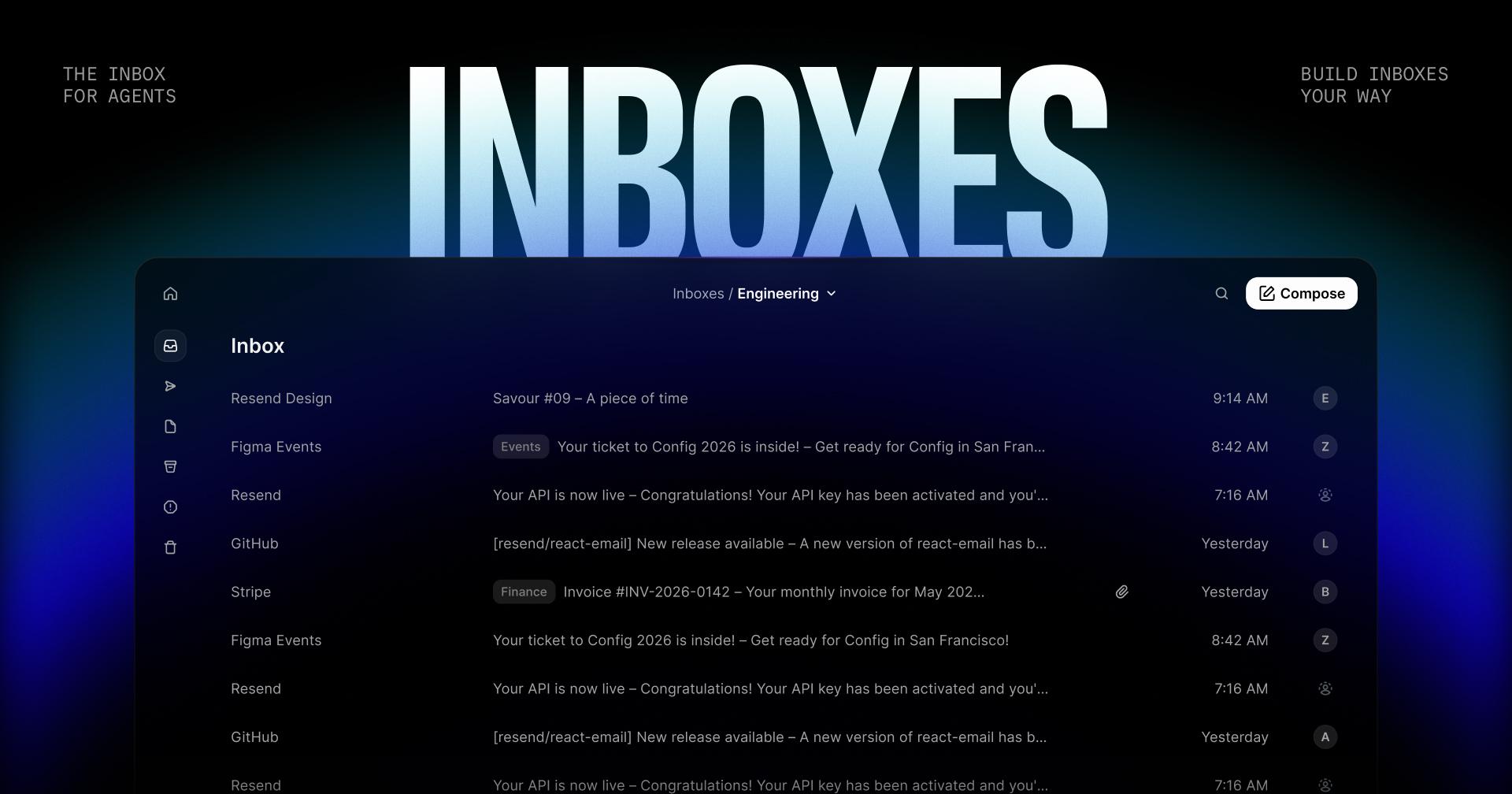
Resend can run both sides of the setup from one free account. Every plan, the free one included, comes with 3 Inboxes, so hello@, support@, and a third address each get their own threads, which you can assign, label, and reply to from the address.
The same account sends your app's emails, such as waitlist confirmations, from your verified domain, and sent and received emails share the free plan's cap of 100 emails a day.
How do I receive a one-time verification email at admin@ my domain without an inbox?
Some services prove you own a domain by emailing a fixed address on it. When certificate authorities, the companies that issue HTTPS certificates, validate a domain by email, they can use these five constructed role addresses, according to the CA/Browser Forum's Baseline Requirements:
admin@administrator@webmaster@hostmaster@postmaster@
Without an MX record, the verification email bounces and the verification fails.
A forward for the address, or a catch-all for the day, is enough to receive it. Once you've clicked the link, remove the rule if you don't need the address.
The address has to exist on the domain you're verifying, or on a parent domain. A receiving setup on inbound.example.com won't get email for admin@example.com, so add the forward on the root domain.
If the root domain already has mailboxes, create the address or a forward at your current provider instead of changing the MX records. Changing the root domain's MX records moves all of its email, including the mailboxes you already use.
When you do change them, the TTL (time to live) of the MX record controls how long other servers keep using the old value. Lower the TTL to 300 seconds a day ahead, and the switch takes effect within minutes instead of hours.
When a service offers DNS or HTTP validation, it's often the safer path: you add a TXT record or upload a file, and you don't need any email setup.
Certificate authorities are also phasing out email validation. Under Ballot SC-090, they stop accepting the five addresses above on March 15, 2028.
How do I receive email for all my domains in one place?
Projects tend to multiply, and each new domain needs a place for its email. The simplest setup forwards every domain to the same Gmail address, with a filter for each domain that labels its email based on the To address.
Add each address under Send mail as, and with Reply from the same address the message was sent to turned on, Gmail replies from whichever address received the email.
Alternatively, if each domain has a mailbox, a mail app such as Apple Mail, Outlook, or Thunderbird can connect to all of them at once. For a team or an AI agent working across several domains, a shared inbox service can hold an inbox for each domain in the same dashboard.
Gmail is ending POP and Gmailify: how do I keep getting custom-domain email in Gmail?
For years, a common free setup was a mailbox at your web host, read in Gmail through Check mail from other accounts.
Gmail fetched the host's email over POP (Post Office Protocol), the older protocol mail apps use to download email. Gmailify did something similar for Yahoo and Outlook accounts, and added Gmail's spam filtering on top.
Google is retiring both. According to Google's announcement, new users lost access after the first quarter of 2026, and existing users can keep using both features until January 2027.
Email Gmail already fetched stays in your account.
To keep reading that email in Gmail, you have two options:
- Forward from the other provider to your Gmail address, as described in how to forward email to Gmail, and set up replies from the address.
- Add the account to the Gmail app on Android or iOS. The app connects over IMAP, the protocol mail apps use to sync a mailbox, and keeps sending and receiving from that account on your phone.
Custom domain email checklist
- Decide who reads each address: you, your team, or your app.
- Add MX records for a forwarding service, a shared inbox, or an inbound email API.
- Create a rule for each address you use, and turn off the catch-all unless you need it.
- Pick a forwarding service that supports SRS and filters spam.
- Set up replies from each address, such as with Gmail's Send mail as, through an SMTP server where your domain is verified.
- Move to a shared inbox once conversations need an owner.
- Receive app email on a subdomain if the root domain already has mailboxes.
- Send from the domain of your website, and start early to build a history.
- Check the daily cap of any free tier before launch day.
Other details to keep in mind
- MX priority: When a domain has several MX records, servers try the one with the lowest priority value first. Adding a record next to existing ones can split your email between two services, as explained in how to avoid conflicting MX records.
- Forwards outlive teammates: A forward to a former teammate's personal Gmail address keeps sending them customer email. Review your forwarding rules whenever someone leaves.
- Forwarding stores nothing at your domain: If the destination inbox is full or deleted, your forwarded email bounces, and no copy exists anywhere else.
How do I receive email at my custom domain with Resend?
- Create an Inbox for an address such as
support@orhello@. Each conversation becomes a thread your team can assign, label, and reply to from the address, and every reply stays in the same thread. - Every plan includes 3 Inboxes, the free plan too. Emails an Inbox sends and receives count toward your transactional quota, which is 100 emails a day and 3,000 a month on the free plan. See account quotas and limits.
- Give the Inbox agent instructions, and it labels, assigns, and archives incoming threads, and drafts replies and forwards for your team to review. The agent never sends email on its own.
- To connect an Inbox, add our MX record to your domain, or to a subdomain if your root domain already has mailboxes. If you can't change your MX records, forward an existing address to the Inbox.
- To keep reading in Gmail, use
smtp.resend.comas the SMTP server in Gmail's Send mail as settings, withresendas the username and an API key as the password. We sign each reply with your domain's DKIM key. - For email your app handles, we accept email for every address at the domain and send each one to your app with the
email.receivedwebhook. Check thetoaddress before you forward the email, or reply in the same thread withIn-Reply-Toset to itsmessage_id. - To test receiving without DNS changes, use the
<id>.resend.appaddress in the Receiving tab of the Emails page. Any address at that subdomain reaches your account.
FAQ
Do I need a mailbox to receive email at my domain?
No. You need an MX record that points to a server that accepts email for your domain.
A forwarding service, a shared inbox, or an inbound email API can all fill that role. You need a mailbox when you want your email stored at the domain and read in a mail app.
Why can't anyone email my domain?
Your domain probably has no MX record, or its MX record points to a service you no longer use.
Run dig MX example.com in a terminal, or use an online DNS lookup tool. An empty answer usually means senders have nowhere to deliver, and their emails bounce.
Is an email API a replacement for a mailbox like Gmail?
Not entirely. A sending API sends the emails your app generates, such as login codes and receipts, and an inbound API hands the email you receive to your code.
Some providers, Resend included, now also host inboxes with threads, so a support@ or hello@ address can live next to the email your app sends. For a personal address you read on your phone every day, an inbox provider is still the simpler choice.
How do I catch emails customers send to misspellings of my domain?
Register the misspellings customers are most likely to type, such as a missing letter or .co instead of .com, and forward all their email to your main address.
Most projects don't need this. Registering misspellings pays off once enough customers email you that a few typos a week add up to lost conversations.
Is ARC going away, and what does DKIM2 mean for forwarding?
No, ARC is still in use, and RFC 8617 defines it.
DKIM2 is an IETF draft that would have each server that handles an email add its own signature and record any changes it made, so forwarding breaks authentication less often. As of November 2026, DKIM2 is still a draft, and no major inbox provider requires it, so nothing changes in your forwarding setup yet.
Sources
- Google, Learn about upcoming changes to Gmailify & POP in Gmail, accessed November 10, 2026
- Google, Send emails from a different address or alias, accessed November 10, 2026
- CA/Browser Forum, Baseline Requirements for TLS Server Certificates, section 3.2.2.4.4, accessed November 10, 2026
- CA/Browser Forum, Ballot SC-090, accessed November 10, 2026
- IETF, RFC 8617: The Authenticated Received Chain (ARC) Protocol, accessed November 10, 2026
- IETF, DKIM working group documents, accessed November 10, 2026
- Resend, What are Resend account quotas and limits?, accessed November 10, 2026